- Sign in to the AWS Management Console and open the Amazon RDS console at https://console.aws.amazon.com/rds/.
- In the navigation pane, choose Snapshots.
- Choose the DB snapshot that you want to restore from.
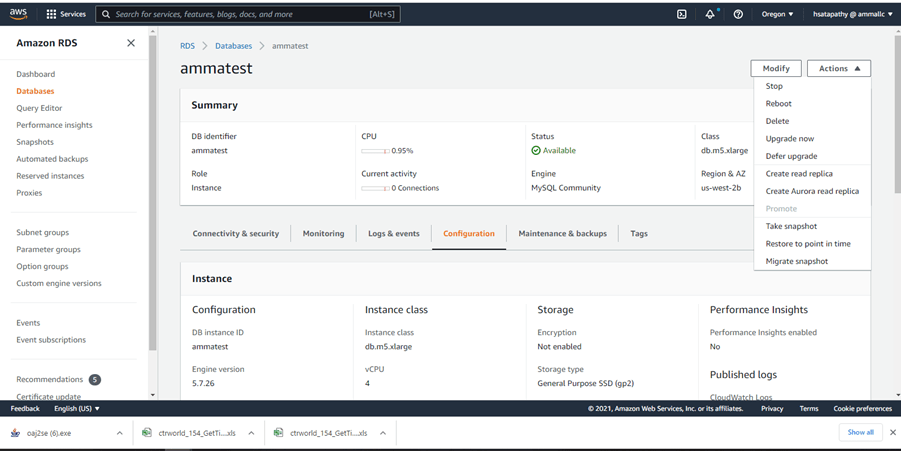
- For Actions, choose Restore snapshot.
- On the Restore snapshot page, for DB instance identifier, enter the name for your restored DB instance
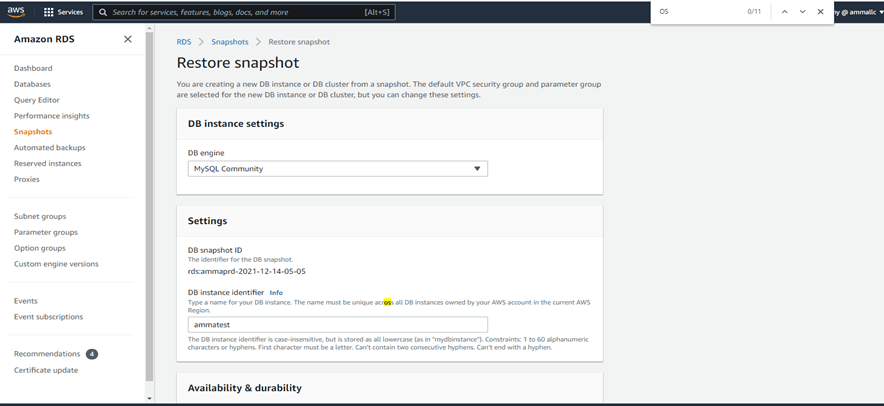
6. Specify other settings as needed
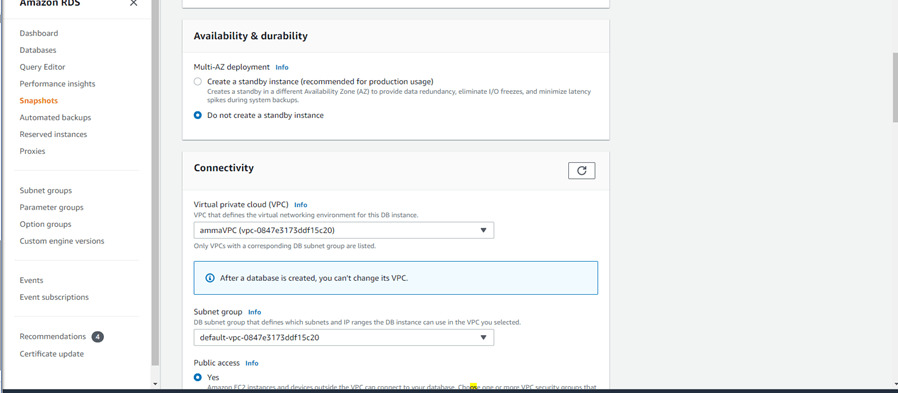


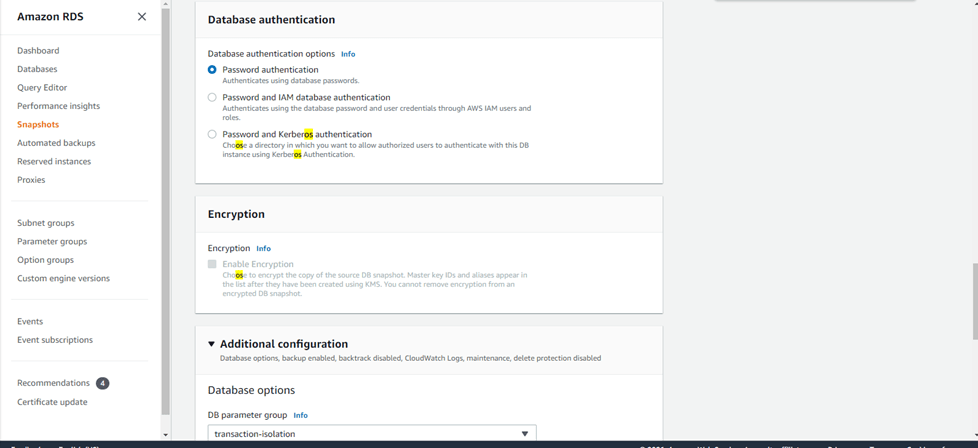
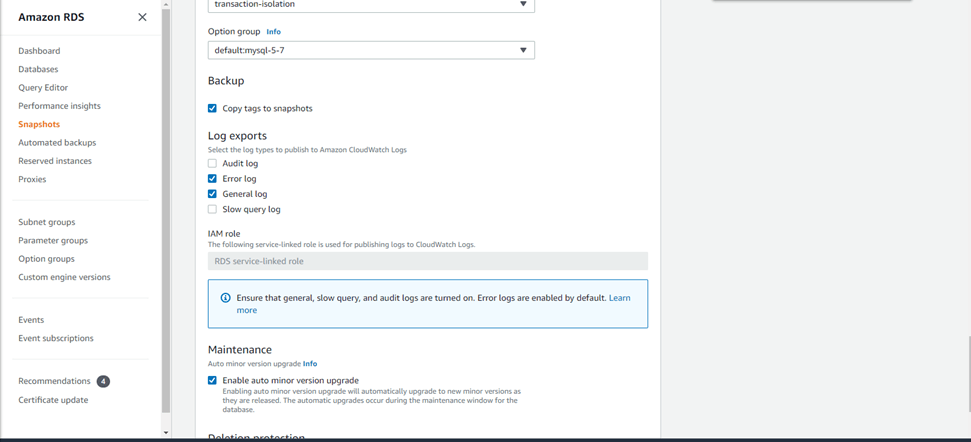
7. Choose Restore DB instance.


Reference: https://docs.aws.amazon.com/AmazonRDS/latest/UserGuide/USER_RestoreFromSnapshot.html

 Orama.blog